
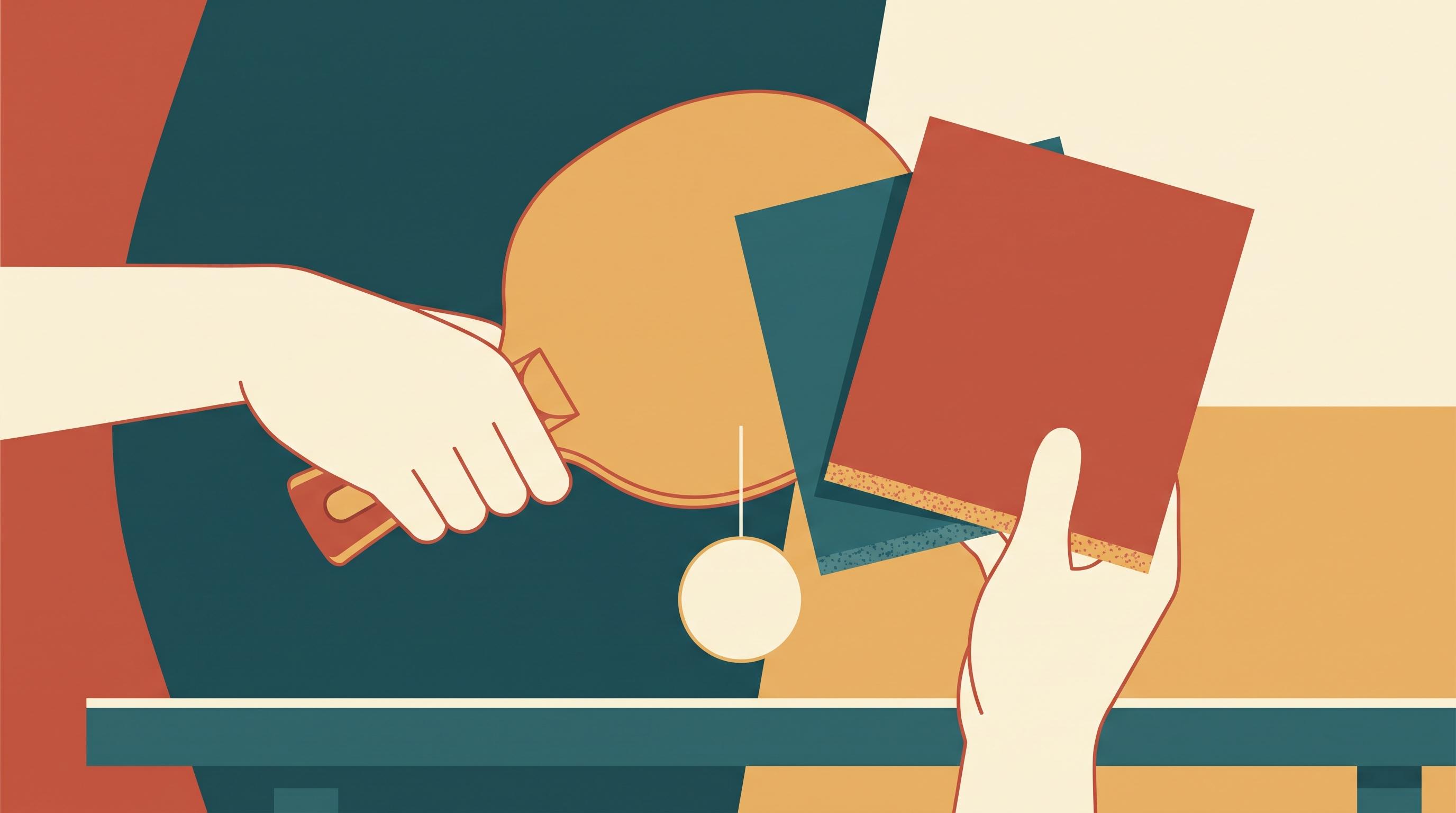
Premade or Custom Table Tennis Racket?
A good racket is about the parts you get, not who assembled it. When a premade racket makes sense, when custom is worth it, and how to test either one...
4 min read
24 Nov, 2026
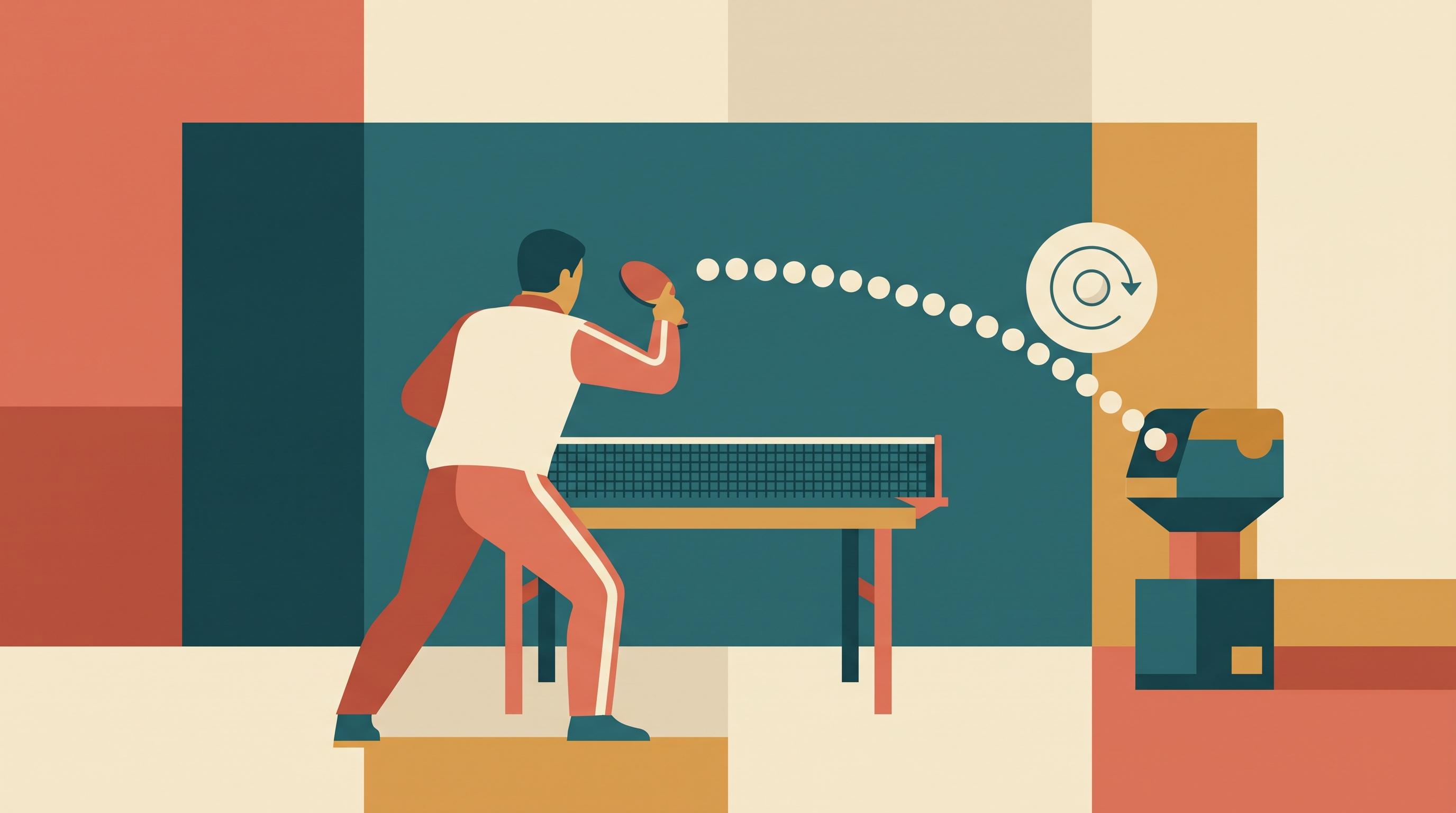
A table tennis robot is worth considering when it gives you useful practice you would otherwise miss. It is less compelling when it replaces accessible partner training without solving a clear problem.
The decision depends on your space, schedule, access to coaching and the drills you intend to perform. A machine's longest feature list is not a training plan. Before buying, write down three exercises you would use regularly and check whether the model can deliver them.
Repeatable feeds let you concentrate on a chosen contact or movement. You can reduce the pace, work one placement, or repeat an opening against a known spin without asking a partner to feed hundreds of balls.
Manufacturer-led coaching demonstrations show robots being used for footwork and structured stroke exercises. Richard Prause's AMICUS guidance, for example, emphasises positioning, recovery and movement rather than simply hitting as many balls as possible. Prause robot training guidance
That makes a robot a potentially useful practice tool. It does not demonstrate that every owner improves, or that more repetitions automatically correct technique.
A machine does not give you the racket-action cues of a live server. Its programmed feed is also not an opponent deciding where to place a return in response to your previous shot.
Random placement helps introduce uncertainty, but match play still includes reading the opponent, managing short exchanges and adapting your tactics. Keep partner practice and actual points in the programme wherever possible.
Feedback is another limitation. A robot continues feeding whether your movement is improving or becoming rushed. Film brief sequences, compare them with your coach's instructions and reduce difficulty when the contact deteriorates.
Check whether the machine independently varies speed, spin and placement in the ways you need. Some models deliver one ball type across an exercise while others support mixed sequences. Do not infer those capabilities from the number of wheels alone.
Read the exact model's manual and test the controls if possible. Can you set up your ordinary exercise quickly? Is a remote included? Can you adjust height and feed interval? Do stored drills remain useful after you change the setup location?
Butterfly's AMICUS START manual illustrates why model details matter, including its exercise settings, randomisation options and maintenance requirements. AMICUS START manual
Include a net, compatible balls, storage, replacement parts and the time needed to set up and collect balls. Verify that your room allows the movement required by the drills, not merely space to stand behind the table.
A used machine may be economical if its condition, parts availability and compatibility are known. Ask to see it feed continuously at several settings. Watch for irregular delivery and check its service instructions before attempting repairs.
| Your situation | Likely value to investigate |
|---|---|
| Few available partners and usable home space | More opportunities for structured repetition |
| Frequent coaching but limited repetition time | A way to rehearse a specific correction |
| Plenty of partners but no clear solo programme | Potentially limited additional value |
| No permanent setup space | Setup and collection may reduce actual use |
Borrow the club machine if possible. Spend a few short sessions on one controlled stroke, one movement pattern and one opening sequence. Review the recording and then test the skill against a partner.
If the robot helps you practise consistently and the work transfers, you have a reason to buy. If it mostly produces hurried contacts or sits unused because setup is inconvenient, a different investment may serve you better.
A good racket is about the parts you get, not who assembled it. When a premade racket makes sense, when custom is worth it, and how to test either one...
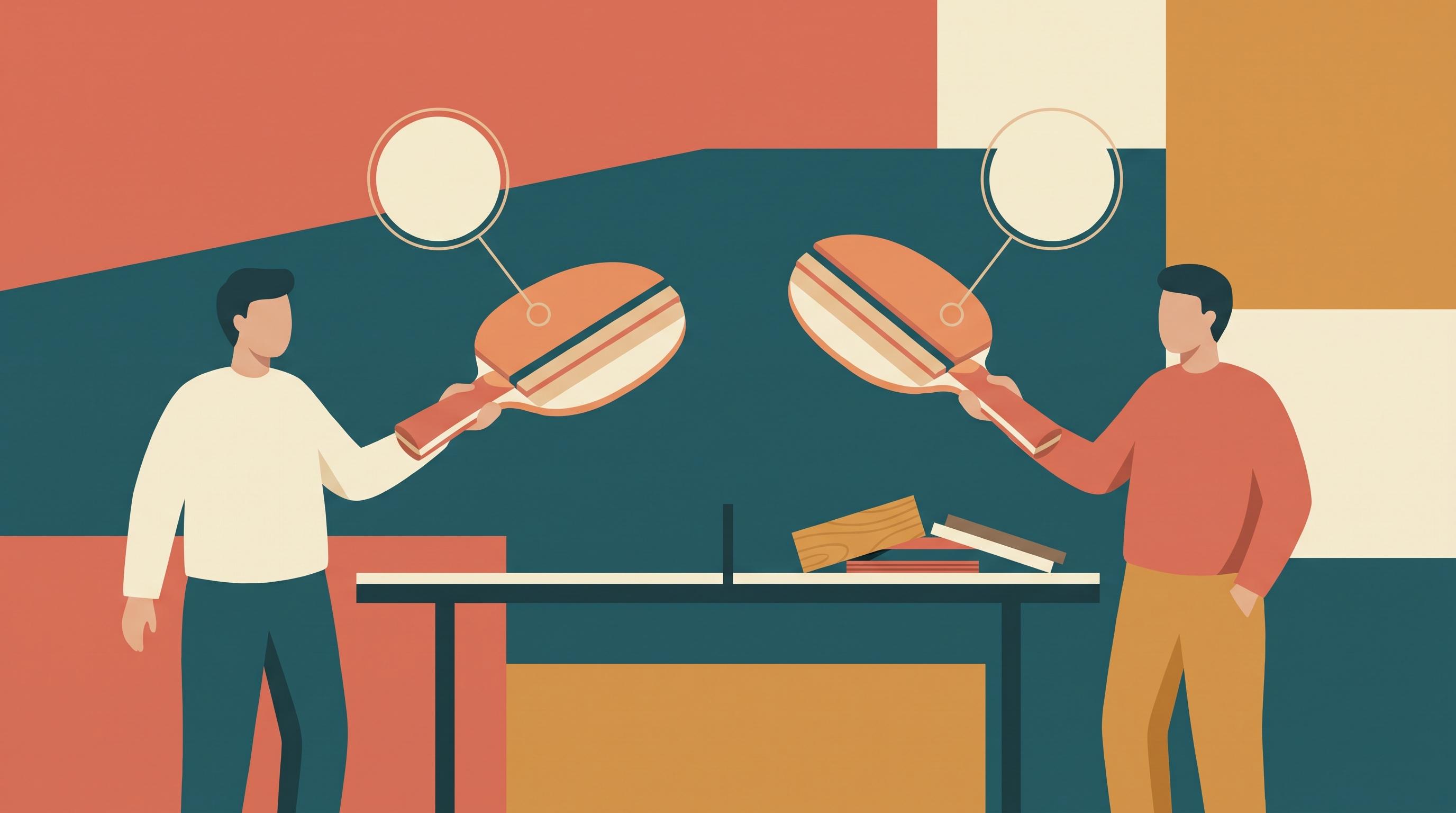
Carbon is a material, not an upgrade. How blade construction changes the feel, why all-wood is not only for beginners, and how to compare blades prope...
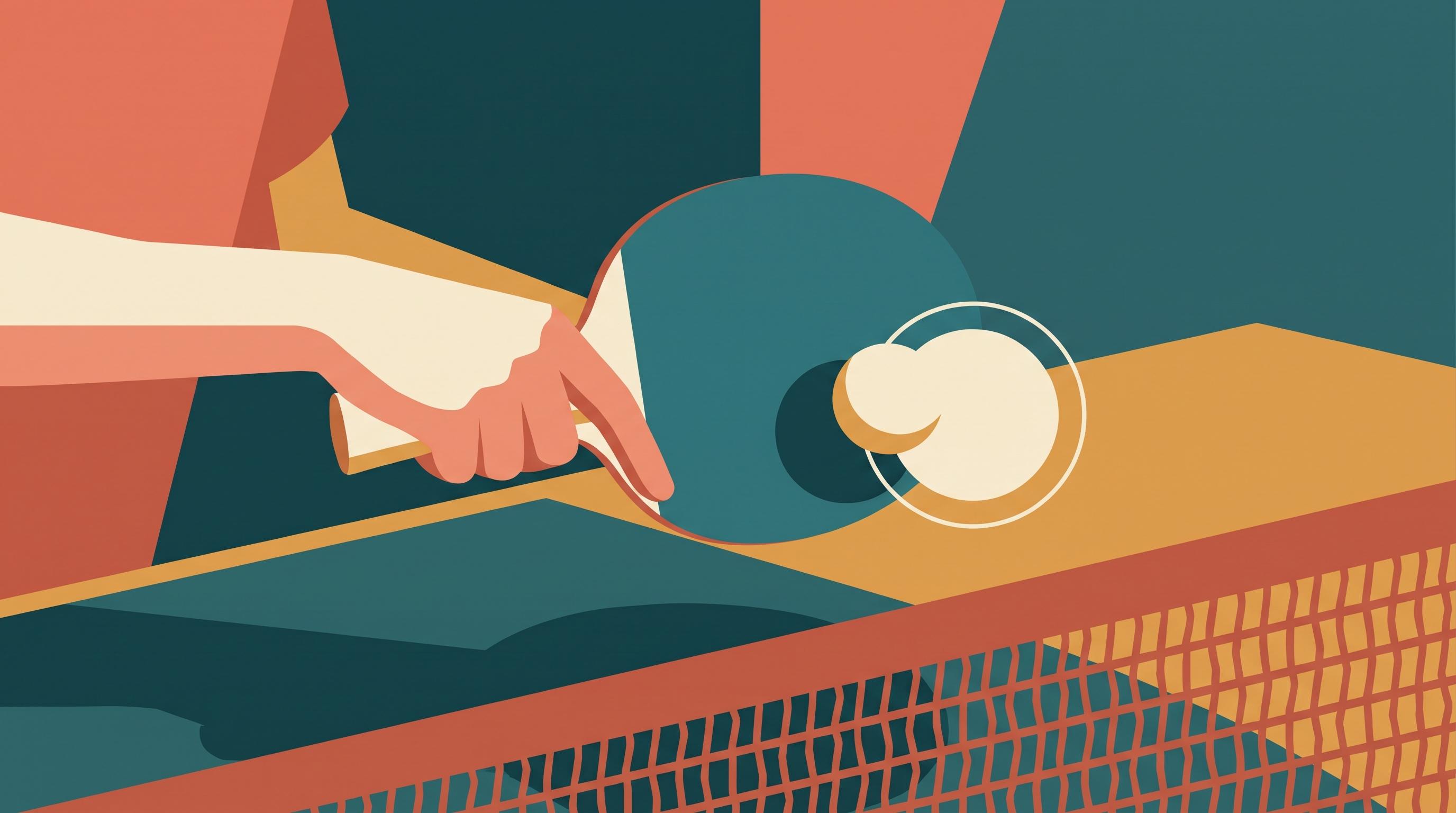
Balls flying long do not automatically mean the racket is too fast. How to tell an equipment problem from a technique problem, and how to test it fair...
A good racket is about the parts you get, not who assembled it. When a premade racket makes sense, when custom is worth it, and how to test either one...
A good racket is about the parts you get, not who assembled it. When a premade racket makes sense, when custom is worth it, and how to test either one...
Carbon is a material, not an upgrade. How blade construction changes the feel, why all-wood is not only for beginners, and how to compare blades prope...
Carbon is a material, not an upgrade. How blade construction changes the feel, why all-wood is not only for beginners, and how to compare blades prope...
Balls flying long do not automatically mean the racket is too fast. How to tell an equipment problem from a technique problem, and how to test it fair...
Balls flying long do not automatically mean the racket is too fast. How to tell an equipment problem from a technique problem, and how to test it fair...
Download the app and take your game everywhere: on mobile, tablet, or smartwatch.