

Match Ball or Training Ball? How to Tell from the Box and the Ball
A match ball and a training ball can look identical. The difference is that one has been tested by the ITTF and the other has not, and both the ball a...
5 min read
31 Oct, 2026
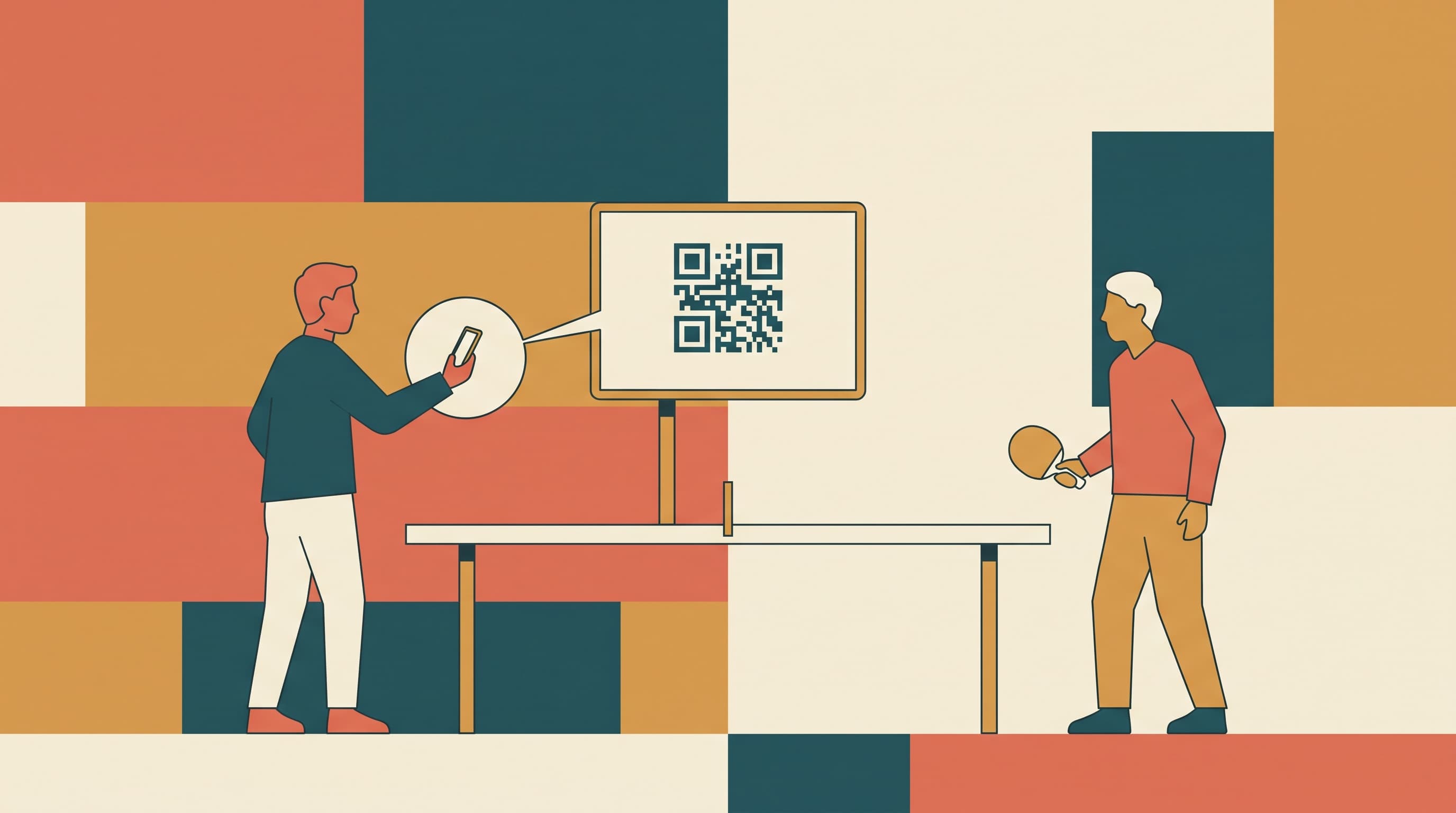
A PiNGPOiNT club screen shows a QR code. Scan it with your phone and the match starts on that table.
Any TV, monitor or tablet that can open a web page can be a table screen. When nobody is playing on the table, the screen shows a QR code.
You can count on your phone, on an Apple Watch, or by pressing a PiNGPOiNT Button at the table, and the screen works with all three. That way the pair waiting for the table, or the coach at the bar, can see the score from where they are.
A match started this way is saved to both players' records: the result, their history and their PiNGPOiNT rating. Nothing has to be written down, and nothing is lost when the lights go off. The club keeps a record of what was played on its tables.
The QR code belongs to the table, so each table has to be created once. That is done in the PiNGPOiNT web app at app.pingpoint.pro, in a browser on a computer. The phone app from the App Store and Google Play is for playing; the table setup is not in it.
The screen is then live and showing its code. Repeat for each table.
A match ball and a training ball can look identical. The difference is that one has been tested by the ITTF and the other has not, and both the ball a...
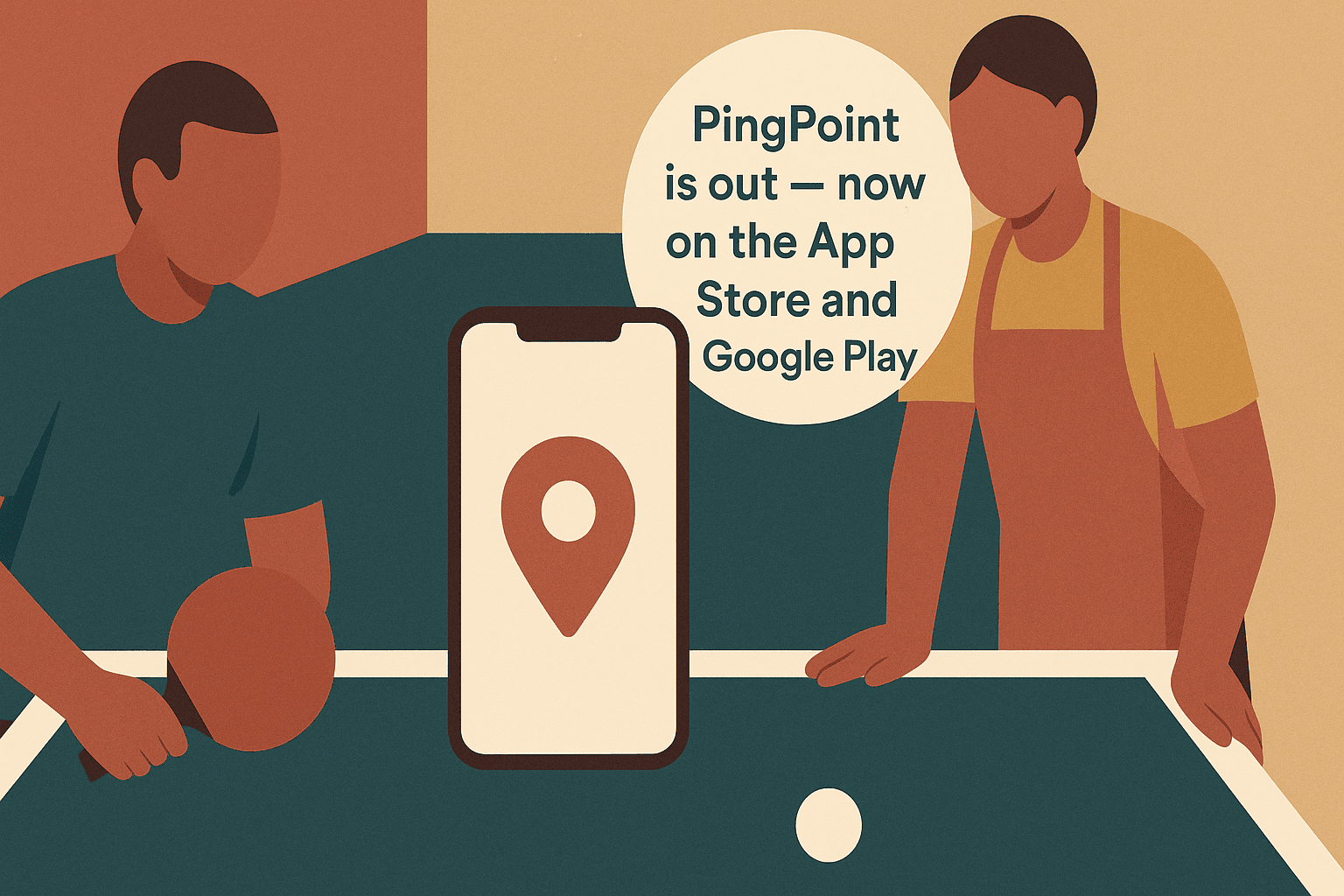
After a year of work the app has been approved and is on both stores. The shop is open too.

Apple and Google have approved PingPoint for external testing. Anyone can install it now — here are the steps for iPhone, Apple Watch, Android and Wea...
A match ball and a training ball can look identical. The difference is that one has been tested by the ITTF and the other has not, and both the ball a...
A match ball and a training ball can look identical. The difference is that one has been tested by the ITTF and the other has not, and both the ball a...
After a year of work the app has been approved and is on both stores. The shop is open too.
After a year of work the app has been approved and is on both stores. The shop is open too.
Apple and Google have approved PingPoint for external testing. Anyone can install it now — here are the steps for iPhone, Apple Watch, Android and Wea...
Apple and Google have approved PingPoint for external testing. Anyone can install it now — here are the steps for iPhone, Apple Watch, Android and Wea...

Download the app and take your game everywhere: on mobile, tablet, or smartwatch.