
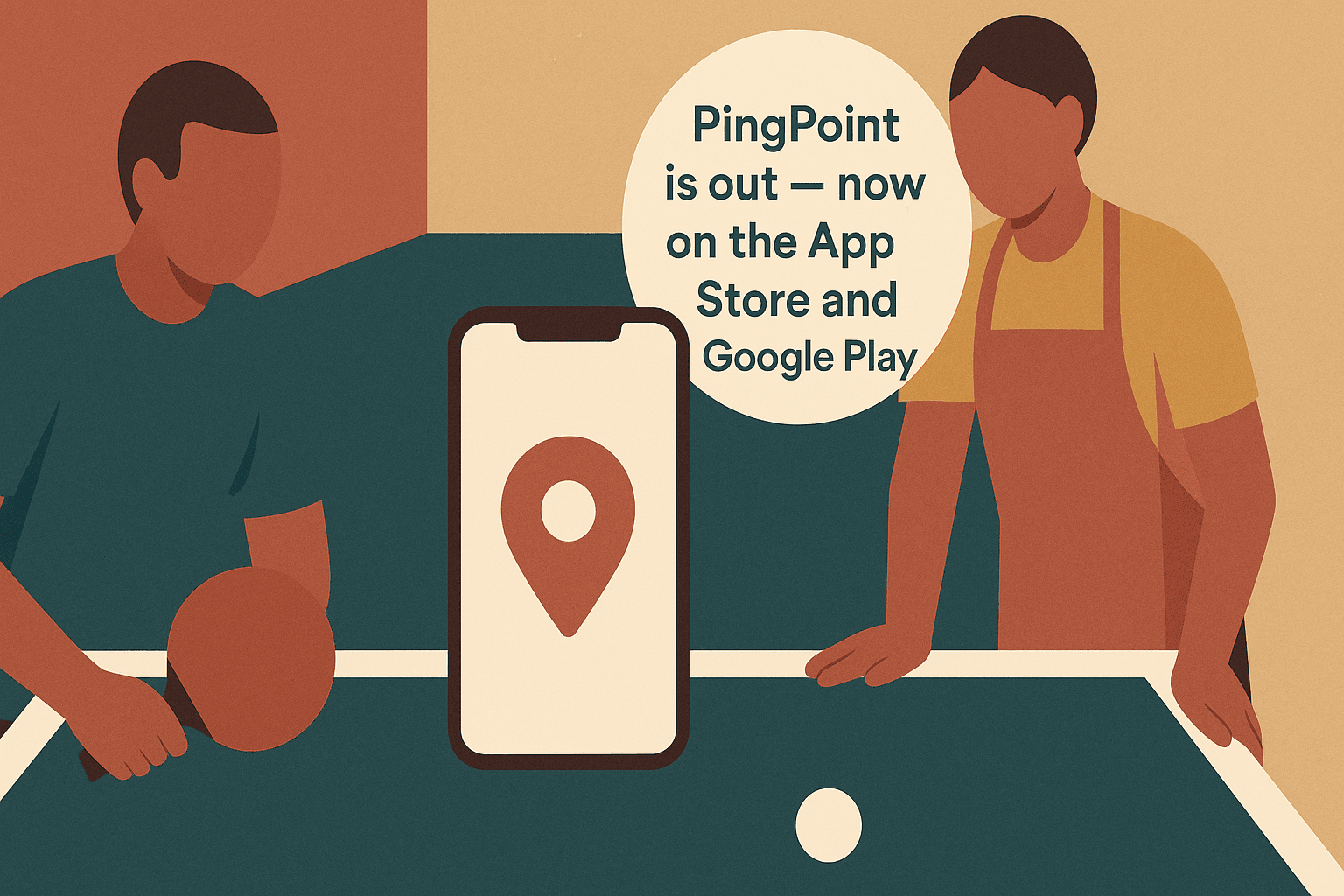
PingPoint is out — now on the App Store and Google Play
After a year of work the app has been approved and is on both stores. The shop is open too.
1 min read
6 Oct, 2026

PingPoint is now in public beta. Apple and Google have both approved the app for external
testing, which means anyone can install it — no waiting list, no invitation from us.
Here is how to get it on your phone.
Apple distributes pre-release apps through TestFlight, its own free testing app. Most
people do not have it yet, so install that first — otherwise the invitation link will just
send you off to fetch it and back again.
Apple Watch: install on the iPhone first, then open the Watch app on the phone and add
PingPoint from the list of available apps.
One thing to watch: use the same Google account that is signed in to the Play Store on
your phone. If you join with one account and browse the store with another, Play will simply
tell you the app cannot be found. It looks like a bug, but it is the account mismatch nearly
every time.
Wear OS: once the phone app is installed, open the PingPoint page in the phone's Play
Store and pick your watch from the device selector, or install from the Play Store on the
watch itself. Wear OS 3 or newer.
Everything in the app is open during the beta: live scorekeeping for singles and doubles,
your Ping Points rating and the leaderboards that come with it, match history, and the club
and venue directory. If you have a PingPoint Button or a smartwatch, you can score without
touching your phone at all.
A beta is an invitation to complain. If something is wrong, confusing or simply missing, send
it to us — through the feedback option in the app, or at
contact. Every report is read, and the ones that arrive
now are the ones that shape what ships.
After a year of work the app has been approved and is on both stores. The shop is open too.

Press once when you win a point, twice when your opponent does. How a Bluetooth button on your wrist keeps the score without taking you out of the gam...

A scorekeeping app for table tennis — with a button, a net mount, a smartwatch app, and a plan to put the score on the big screen.
After a year of work the app has been approved and is on both stores. The shop is open too.
After a year of work the app has been approved and is on both stores. The shop is open too.
Press once when you win a point, twice when your opponent does. How a Bluetooth button on your wrist keeps the score without taking you out of the gam...
Press once when you win a point, twice when your opponent does. How a Bluetooth button on your wrist keeps the score without taking you out of the gam...
A scorekeeping app for table tennis — with a button, a net mount, a smartwatch app, and a plan to put the score on the big screen.
A scorekeeping app for table tennis — with a button, a net mount, a smartwatch app, and a plan to put the score on the big screen.

Download the app and take your game everywhere: on mobile, tablet, or smartwatch.